介绍
本文介绍windows10安装rust,rust官网有详细教程,链接如下:
MSVC prerequisites - The rustup book (rust-lang.github.io)
我的系统是windows10,安装vc build tools有坑
安装VC build tools
rust需要vc编译器,所以需要下载安装microsoft vc++ build tools:
适合windows10:
- Build Tools 2019 直链 :https://aka.ms/vs/16/release/vs_BuildTools.exe
- Build Tools 2022我安装不成功,这里没放链接
适合windows11:
- Build Tools 2026:我的系统是windows10,所以也没放下载链接
下载安装rust
设置rust、cargo家目录
$env:RUSTUP_HOME = "D:\devtools\rust\.rustup"
$env:CARGO_HOME = "D:\devtools\rust\.cargo"
设置加速器
可以快速下载rust相关文件
$env:RUSTUP_DIST_SERVER="https://mirrors.ustc.edu.cn/rust-static"
$env:RUSTUP_UPDATE_ROOT="https://mirrors.ustc.edu.cn/rust-static/rustup"
启动
.\rustup-init.exe
显示如下:
The Cargo home directory is located at:

  C:\Users\mym\.cargo

This can be modified with the CARGO_HOME environment variable.

The cargo, rustc, rustup and other commands will be added to
Cargo's bin directory, located at:

  C:\Users\mym\.cargo\bin

This path will then be added to your PATH environment variable by
modifying the PATH registry key at HKEY_CURRENT_USER\Environment.

You can uninstall at any time with rustup self uninstall and
these changes will be reverted.

Current installation options:


    default host tuple: x86_64-pc-windows-msvc
     default toolchain: stable (default)
               profile: default
  modify PATH variable: yes

1) Proceed with standard installation (default - just press enter)
2) Customize installation
3) Cancel installation
>
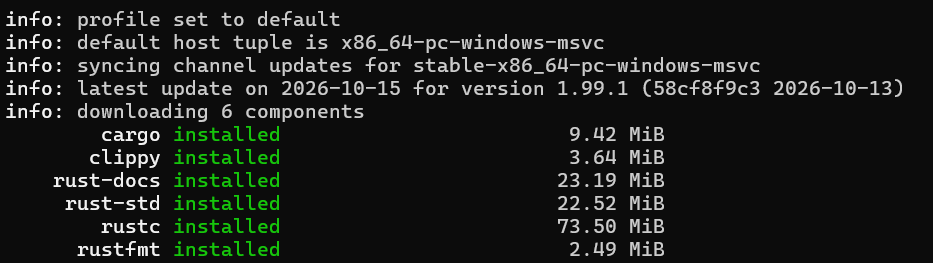
直接敲回车开始安装:
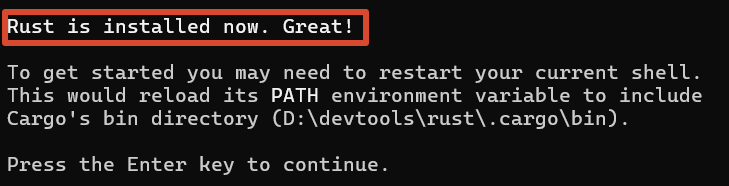
看到下图说明安装成功:
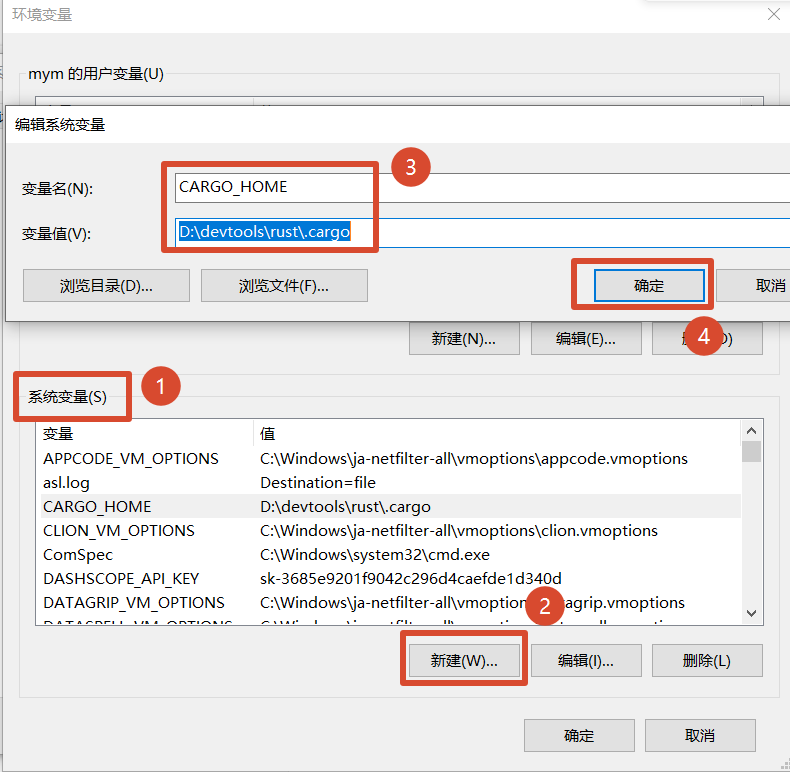
设置环境变量
设置rustc家目录
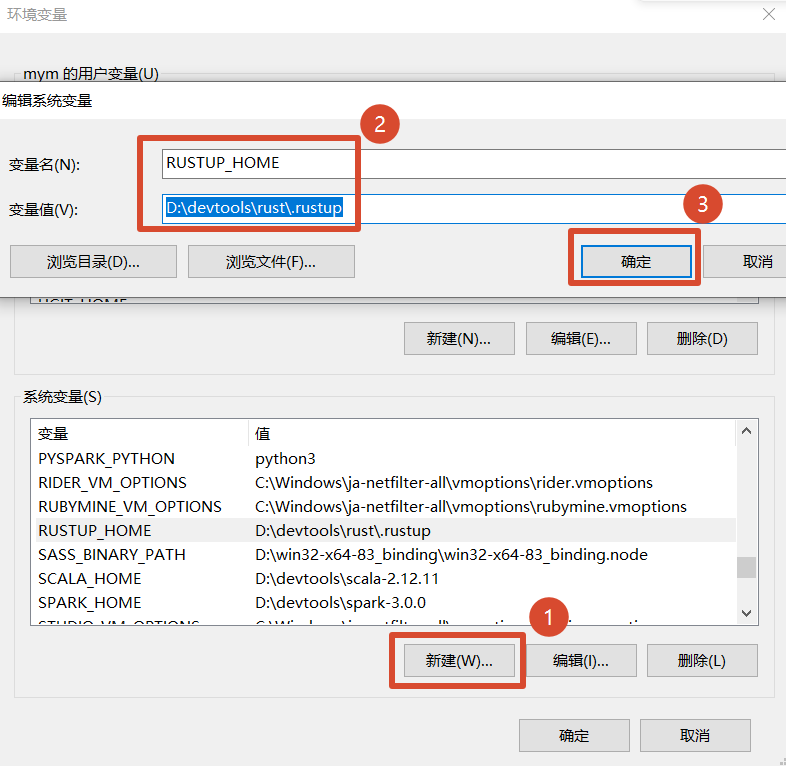
设置cargo家目录
验证安装是否成功
启动命令窗口,执行下面命令:
rustc --version
cargo --version
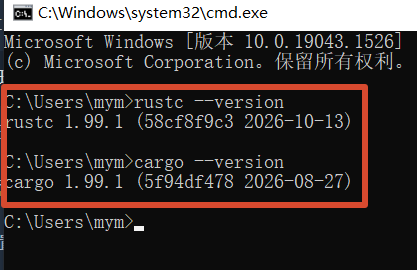
显示如下图,显示版本好,说明安装成功: