介绍
promptAction(API 5 及以上)是用于 显示轻量级提示信息 的工具类,主要用于向用户展示简短的操作结果、警告或提示,常见形式包括 Toast 提示、对话框(Dialog)等。
属于 @ohos.promptAction 模块,使用前需要先导入。
使用场景
- 表单提交成功/失败提示、删除成功/失败提示(
showToast) - 输入错误时的提示,如:
密码格式不正确,showToast - 删除、退出等危险操作的二次确认(
showDialog)
通过 promptAction,可以快速实现用户交互中的提示和确认功能,提升应用的交互友好性。
导入模块
需先导入模块:
import { promptAction } from '@kit.ArkUI';
短文本提示
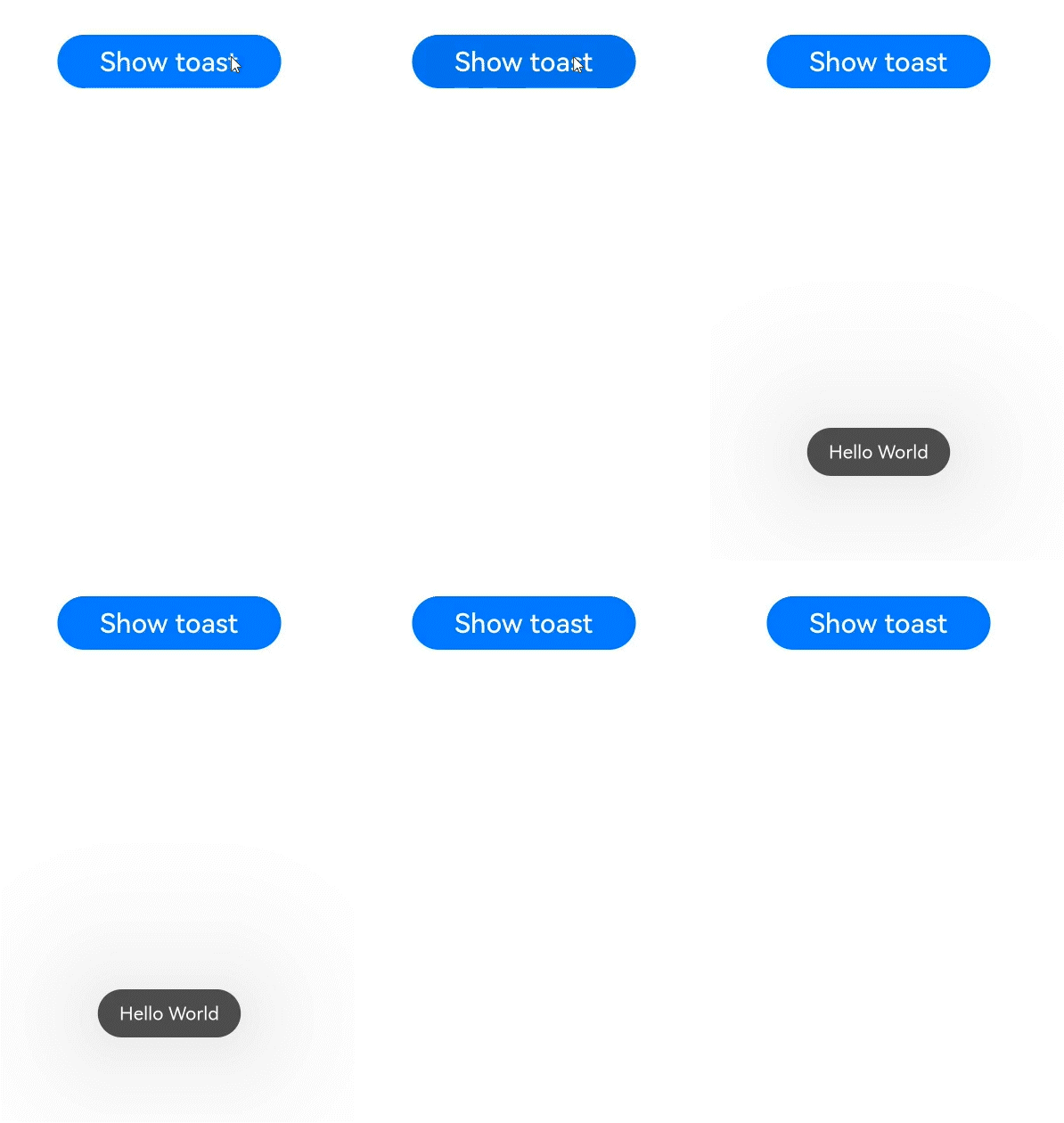
showToast 用于显示短时提示(默认 2 秒),通常用于反馈操作结果(如“提交成功”“请输入内容”)。
例子(新版api)
推荐在 页面 中使用,通过 UIContext 上下文调用,可能出现异常,用 try ... catch 处理
try {
  this.getUIContext().getPromptAction().showToast({
    message: reason, // 提示文本
    duration: 2000, // 显示时长(毫秒),默认1500ms,范围[1500, 3000]
    bottom: 100 // 距离屏幕底部的距离(像素)
  });
} catch (error) {
  console.error(TAG,"promptAction.showToast() 报错!")
}
例子
@Entry
@Component
struct PromptActionExample {
  build() {
    Column() {
      Button("显示Toast")
        .onClick(() => {
          // 显示Toast提示
          promptAction.showToast({
            message: "操作成功", // 提示文本
            duration: 2000, // 显示时长(毫秒),默认1500ms,范围[1500, 3000]
            bottom: 100 // 距离屏幕底部的距离(像素)
          });
        })
    }
    .width('100%')
    .height('100%')
    .justifyContent(FlexAlign.Center)
  }
}
参数说明:
message:必填,提示文本内容。duration:可选,显示时长(毫秒),范围在 1500-3000 之间,超出会自动调整。bottom:可选,Toast 距离屏幕底部的距离(仅对手机等设备有效)。
显示
对话框(Dialog)
showDialog 用于显示交互式对话框,支持自定义标题、内容、按钮,适用于需要用户确认的场景(如“是否删除”)。
示例代码
Button("对话框")
  .onClick( () => {
    promptAction.showDialog({
      title: '提示',
      message: '确定删除该文件吗?',
      buttons: [
        {
          text: '确定',
          color: '#000000'
        },
        {
          text: '取消',
          color: '#000000'
        }
      ],
    })
      .then(data => {
        // 点击左侧按钮,打印 {"index":0}
        // 点击右侧按钮,打印 {"index":1}
        console.info('点击按钮: ' , JSON.stringify(data));
      })
      .catch((err: Error) => {
        console.info('报错: ' , JSON.stringify(err));
      })
  })
参数说明:
title:可选,对话框标题。message:可选,对话框内容文本。buttons:必填,按钮数组,最多支持 3 个按钮,每个按钮包含text(按钮文字)和color(文字颜色)。
返回值:Promise 对象,通过 then 获取用户点击的按钮索引:点击左侧第1个按钮,result.index 是 0,后面以此类推
显示
